Key messages
NEW TELEPHONE SYSTEM
We are moving to a new telephone system on Thursday 11th April.
We have added a callback function to our telephones. Rather than wait in the queue, this allows you to request a callback.
You will be called back in your original queue position, so will not lose your place in the queue.
While we are adjusting to our new system, you may experience a slight delay in answering your call.
We apologise in advance for any inconvenience and ask for your continued understanding and patience.
On-line patient consultations
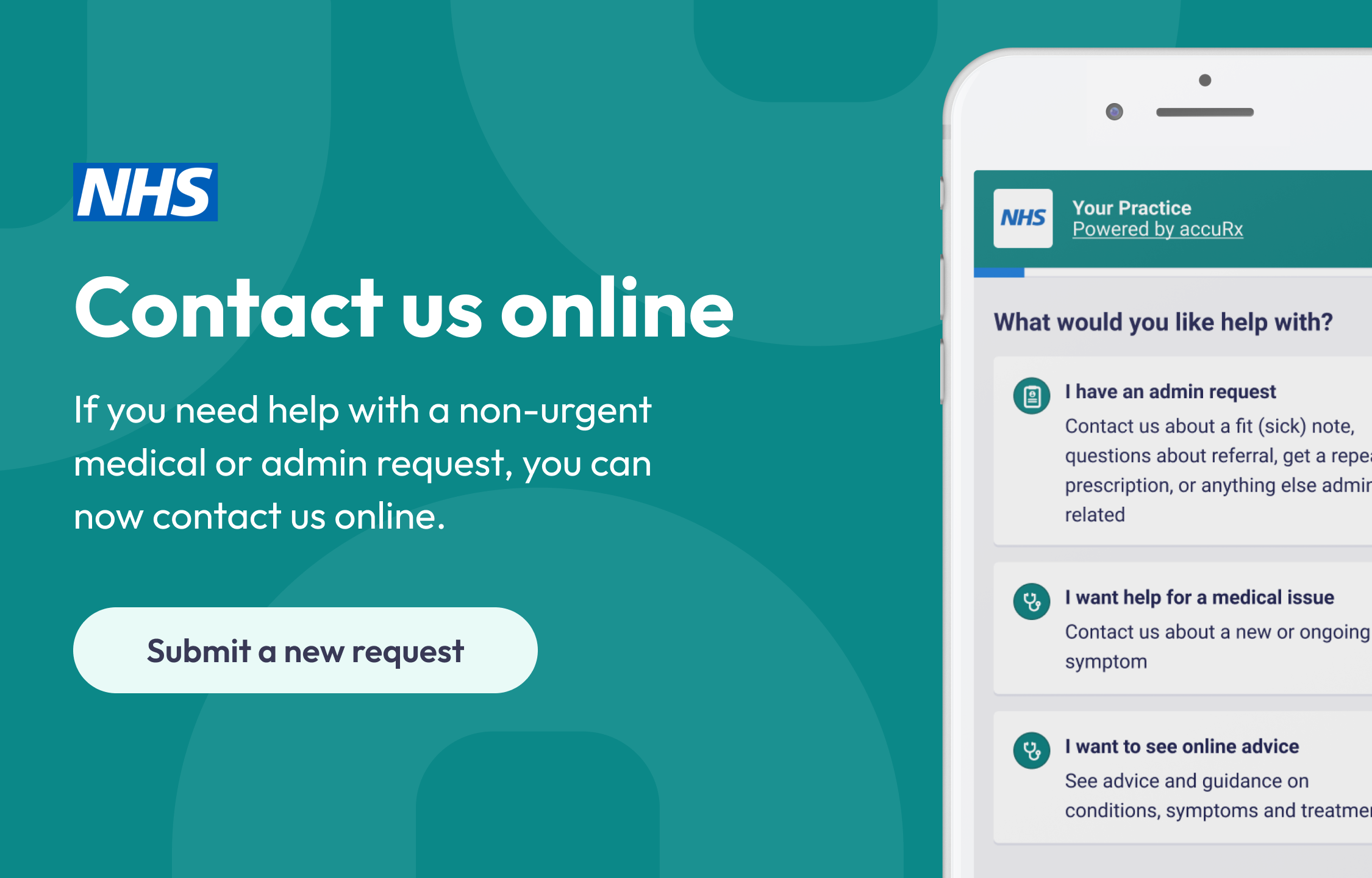
We have now gone live with our new online consultation patient triage service.
This is a great way to contact the surgery for non-urgent medical or admin requests.
It is very easy to use and we really think it is easier for most people than waiting on hold to speak to a receptionist.
Your request will be managed by our reception team who will pass your request to the relevant person, or contact you if more information is required.
To access the service, please click into the ‘contact us online’ link situated above this message.
Feversham Lane
Glastonbury
BA6 9LP
Call: 01458 833666